

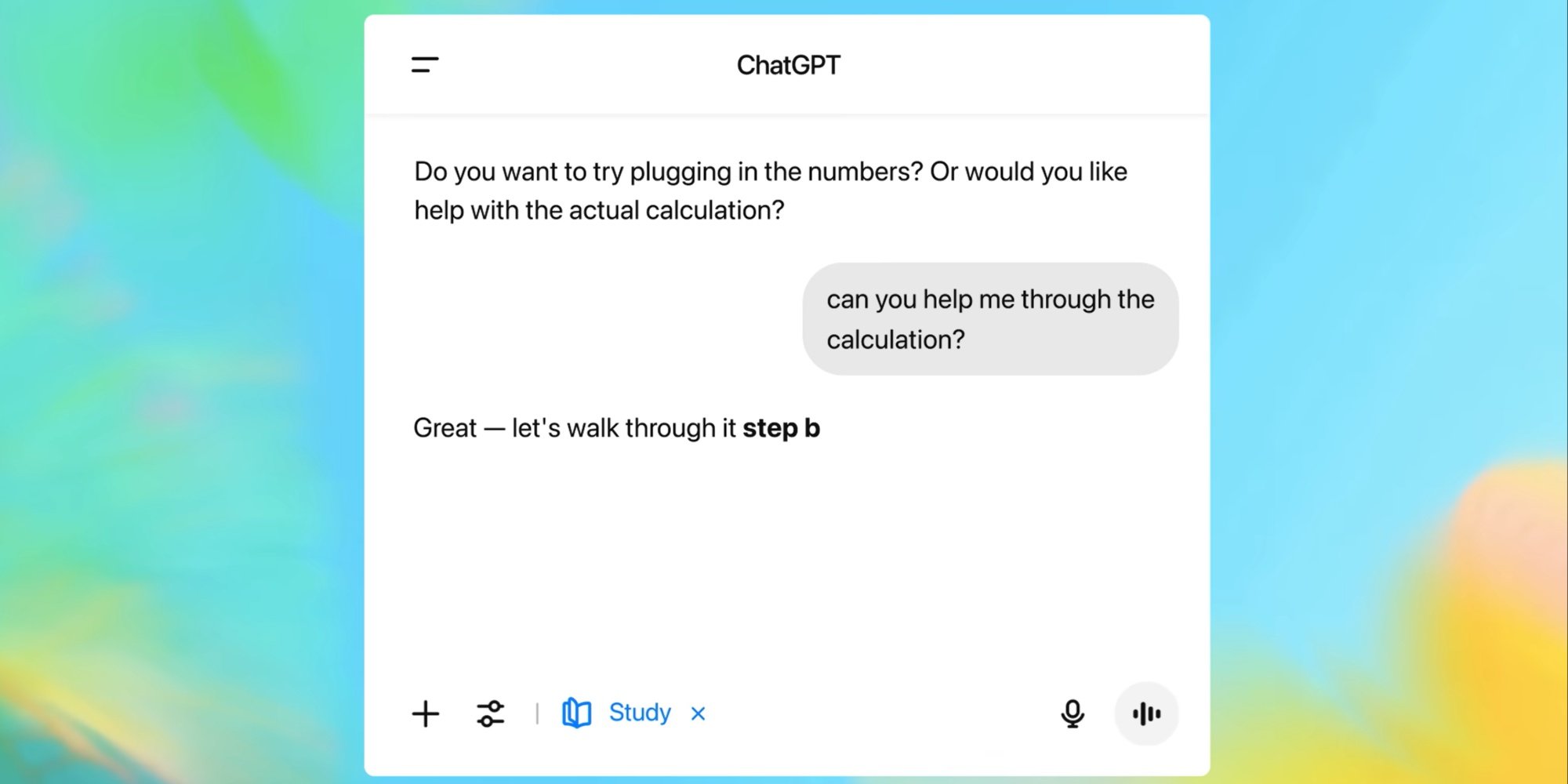
TLDR : OpenAI launched "Study Mode" for its ChatGPT, aiming to encourage active learning by guiding users through understanding a subject rather than providing an immediate answer. To foster interaction and engagement, this feature offers quizzes, open-ended questions, and personalized feedback based on Socratic method techniques.
OpenAI launched "Study Mode" yesterday, a feature designed to encourage active learning. Instead of delivering a "ready-made" answer, ChatGPT now guides students step by step in understanding the subject matter. Available immediately for all users, including those on the free version, this new experience will be extended to institutions via ChatGPT Edu in the coming weeks.
A Response to Criticism of AI's Use in Education
Students quickly adopted ChatGPT for doing homework, researching information, or summarizing documents. But this popularity came with recurring criticism from teachers and experts, pointing out sometimes overly passive use of AI.
With Study Mode, ChatGPT adopts a supportive role: it questions, structures knowledge, encourages reflection, and adapts to the student's level. Quizzes, open-ended questions, and personalized feedback allow progress tracking. According to OpenAI, "Study Mode aims to be engaging and interactive. Its goal? To enable learning, not just turning in an assignment."
The feature relies on personalized system prompts designed in collaboration with teachers, scientists, and educational experts. Using proven techniques from the Socratic method, the company aims to encourage curiosity and critical thinking in learners. While it primarily targets university-level students, its accessibility makes it usable today by a broader audience.
To activate it, simply click on Tools in the prompt window and select "Study and Learn" from the dropdown menu. OpenAI advises specifying your level of study, deadlines, and attaching elements such as class notes or an image illustrating the problem to the request.
The company indicates it is working on several improvements to Study Mode to make it "more engaging and useful for students". Proposed enhancements include clearer visualizations of complex concepts, the ability to set goals and track progress from one session to the next, and finer customization based on each user's level and needs.
Translated from Study Mode : OpenAI dote ChatGPT d'un assistant pédagogique